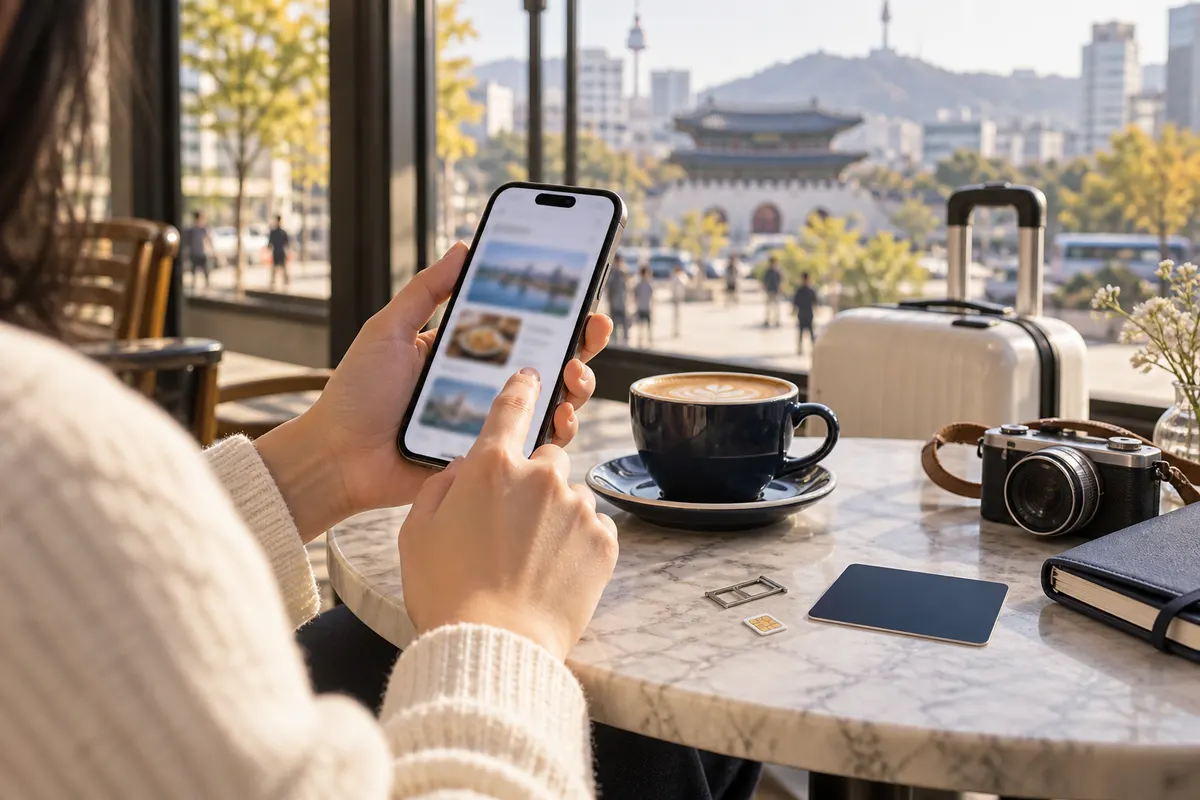
Quick answer: start with one local map, one translation app, one working ride option and the official VISITKOREA app or website. Test logins and payment before you need them.
1. Local maps: Naver Map or KakaoMap
Local map apps often have more complete Korean business and transit data than a global map alone. Search by Korean name when an English result is missing, verify the branch and save the road address. Naver has expanded real-time transport features for international visitors.
2. Translation: Papago
Use Papago for short Korean-English text, menus and addresses. Keep sentences simple and confirm important medical, allergy or payment information with a human rather than relying on machine translation alone.
3. Taxis: K.ride, Uber or a working local account
Set up at least one ride app, verify the payment method and save the destination in Korean. Availability and supported payment methods can differ by app and account.
4. Rail and intercity travel
Use the current official or authorized rail channel when booking a reserved train. A map-app route is not a ticket. Verify station name carefully because Seoul Station, Yongsan and other terminals serve different trips.
5. Official visitor help
VISITKOREA provides destination information and the 1330 travel helpline. Keep an official source available for changing transport, attraction and safety information.
Set everything up before appointment day
- Download offline copies of the provider name and address.
- Allow notifications only where useful.
- Confirm the phone number or messaging account used for booking.
- Keep battery power and mobile data available.
- Do not put medical photos or passport scans into an unknown app.
Make one practical privacy check
Before uploading an identity document or consultation photo, check why it is collected, who can access it, how long it is kept and how you can request deletion. A familiar app name does not answer those questions by itself.
Official sources
Organize the home screen by moment
Put maps, translation and transport together, then place booking confirmations and travel insurance in a second folder. Download the Korean address for the hotel and each fixed appointment. A tidy screen matters when you are standing at a busy exit or showing a driver the destination.
Review permissions instead of accepting everything
A map may need location while in use; a translation app may need the camera for a menu. That does not mean every app needs permanent access to contacts, photos and microphone. Choose the narrowest practical permission and remove unused apps after the trip. Store consultation images only in a service whose privacy terms you understand.
Keep human support available
Apps are tools, not a substitute for confirmation. Ask a provider to confirm the branch and appointment, ask rail staff if a ticket cannot be found and use the official 1330 helpline for visitor assistance. When two map results disagree, the legal business name and road address are stronger than a translated nickname.
Frequently asked questions
Does Google Maps work in Korea?
It can still be useful, but local map services often provide more complete Korean address, transit and business details. Keep more than one map option and verify the destination name.
Can I use Naver Map in English?
Naver Map provides language options, although every business entry and review is not fully translated. Searching the Korean name or road address remains a useful backup.
Is Papago accurate enough for medical consent?
No translation app should replace a qualified explanation of consent, risks or instructions. Use it for basic navigation and short questions, then ask the provider to clarify important medical information.
Which apps need a Korean phone number?
Requirements change by service and feature. Test signup before arrival and keep web, hotel-desk or direct-message alternatives for a service that rejects your number.
Should I download every recommended app?
No. A small tested set is better than a crowded phone. One local map, translation, ride option and official information source covers most first-trip needs.
The minimum setup that works
Install and test a local map, Papago or another trusted translator, one ride option and an official visitor-information source. Add the airline, rail or booking app only when your itinerary needs it. Save fixed addresses offline and keep a portable charger. This smaller setup is easier to manage than twelve untested recommendations.
Once your phone is ready
Save the provider address before appointment day.
Open a current provider profile to note the area, service list and how to send an enquiry before you travel.
Explore current providers on Seoul Beauty Trip
Continue from this guide to the current listings below. Check the exact services, location and enquiry options on each profile. This is a directory selection, not a quality ranking or confirmed availability.
 Acupuncture Hyunginjae Gangnam Diet KoreaGangnamView current menus, photos and location →
 BEAF ClinicGangseoView current menus, photos and location →
 BONECURE Korean Medicine ClinicGangnamView current menus, photos and location →
 DELVE CLINICHongdaeView current menus, photos and location →
 ELEV ClinicGangnamView current menus, photos and location →
 Glovi G-Thera Anti-Aging ClinicGangnamView current menus, photos and location →