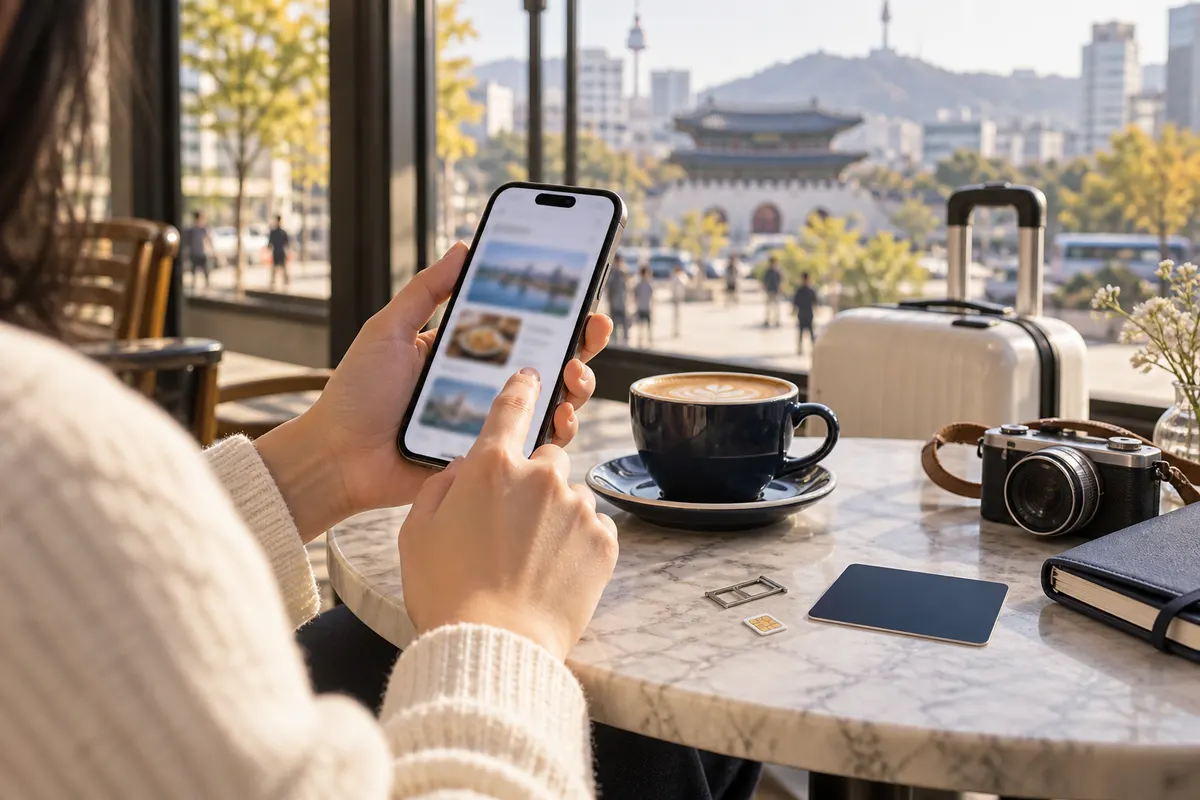
Quick answer: choose an eSIM if your unlocked phone supports it and you want to set up data before arrival. Choose a physical SIM if your phone does not support eSIM or you prefer in-person help. The important question is not which label is newer, but whether the exact plan supports your device and trip.
Compare these details before buying
- Device status: unlocked and compatible with the network and SIM type.
- Activation: whether the validity starts at purchase, installation or first network connection.
- Data policy: full-speed allowance, throttling and hotspot rules.
- Voice and SMS: data-only plans may not provide a local number.
- Identity check: understand any passport verification required by the seller.
- Support: know who helps if activation fails after arrival.
Why a local number can matter
Many travel tasks work through data and messaging apps, but some reservations, queues or local services may request a Korean phone number. Do not assume every tourist plan includes one. Ask specifically whether incoming calls, outgoing calls and SMS are supported.
Set up without losing your main number
If you use dual SIM, label the lines clearly, choose the Korea line for mobile data, and disable expensive roaming on the home line if appropriate. Keep access to your home number if it is needed for bank or account verification. The exact settings depend on the device and carrier.
Airport or advance purchase?
Advance purchase gives time to check compatibility. An airport counter offers in-person help but may involve a queue or limited operating hours. Compare official channels from Korea's main mobile carriers—SK Telecom, KT and LG U+—with established travel sellers, and avoid sending passport details to an unknown account.
Treat the activation QR code like a credential
An eSIM QR code may be limited to one installation or device. Do not post it publicly, crop it into a travel photo or delete the installed profile while troubleshooting unless verified support tells you to do so.
Official source
Run a five-minute test after activation
Turn off Wi-Fi, load a map, send a message, open the booking confirmation and test a hotspot if the plan allows one. Check which line is selected for mobile data and whether data roaming must be on for the travel profile. A signal icon alone does not prove that data, calls and SMS all work.
Keep essential details offline
Save the accommodation address, airport route, first appointment, QR code instructions and support contact as screenshots or a PDF. If the plan stops working, you should still be able to reach a staffed counter or Wi-Fi location. Do not make the only copy of an activation QR code depend on the connection it is supposed to activate.
Protect the account
Buy from a verified carrier, airport desk or established seller. Read how passport data is handled and avoid sending identity documents through an unrelated chat account. Delete public screenshots that expose QR codes, order numbers or phone numbers. When the trip ends, review which line remains active and which subscription, if any, renews automatically.
Frequently asked questions
Will an eSIM work in every phone?
No. The device must support eSIM, be unlocked and support the network used by the plan. Check the exact model rather than only the phone family name.
Do I get a Korean phone number?
Not with every plan. Many travel eSIMs are data-only. If a local number, calls or SMS matter for reservations, confirm those features in writing before purchase.
When should I install an eSIM?
Follow the seller’s activation rule. Some plans begin when first connected in Korea, while others may begin earlier. Save the QR code and instructions somewhere accessible without mobile data.
Can I use a hotspot?
Hotspot or tethering rules vary by plan and device. Check the plan terms if you need to connect a laptop or share data with another traveler.
What should I do if activation fails?
Use Wi-Fi, keep the original purchase details and contact the verified seller. Avoid deleting the eSIM profile until support confirms the correct recovery step, because some activation codes cannot be reused.
Decision shortcut
If your unlocked device supports eSIM and the verified plan includes the data and number features you need, advance setup is convenient. If compatibility is uncertain or you value in-person help, use a staffed verified counter. In both cases, keep the receipt, support channel and an offline route for arrival.
Once your Korean connection works
Keep the booking route and address close at hand.
Browse current Seoul profiles and save the branch information you will need on appointment day.
Explore current providers on Seoul Beauty Trip
Continue from this guide to the current listings below. Check the exact services, location and enquiry options on each profile. This is a directory selection, not a quality ranking or confirmed availability.
 Acupuncture Hyunginjae Gangnam Diet KoreaGangnamView current menus, photos and location →
 BEAF ClinicGangseoView current menus, photos and location →
 BONECURE Korean Medicine ClinicGangnamView current menus, photos and location →
 DELVE CLINICHongdaeView current menus, photos and location →
 ELEV ClinicGangnamView current menus, photos and location →
 Glovi G-Thera Anti-Aging ClinicGangnamView current menus, photos and location →